Quick answer
To save money on groceries, plan the week's meals around what you already have, shop once with a list, compare unit prices and try store brands. Buy more of what's getting cheaper this year, like eggs, and less of what's climbing, like beef. Then waste less: the USDA puts food waste at 30 to 40 percent of the food supply.
- Grocery prices
- Up 1.8% in a year (Sept. 2026)
- Getting cheaper
- Eggs, forecast down 29% in 2026
- Climbing fastest
- Beef, forecast up 8.7% in 2026
- Food wasted
- 30 to 40% of the U.S. food supply
On this page
How to save money on groceries, step by step
Learning how to save money on groceries is mostly about a few habits, done every week. None of them needs coupons or an hour of clipping.
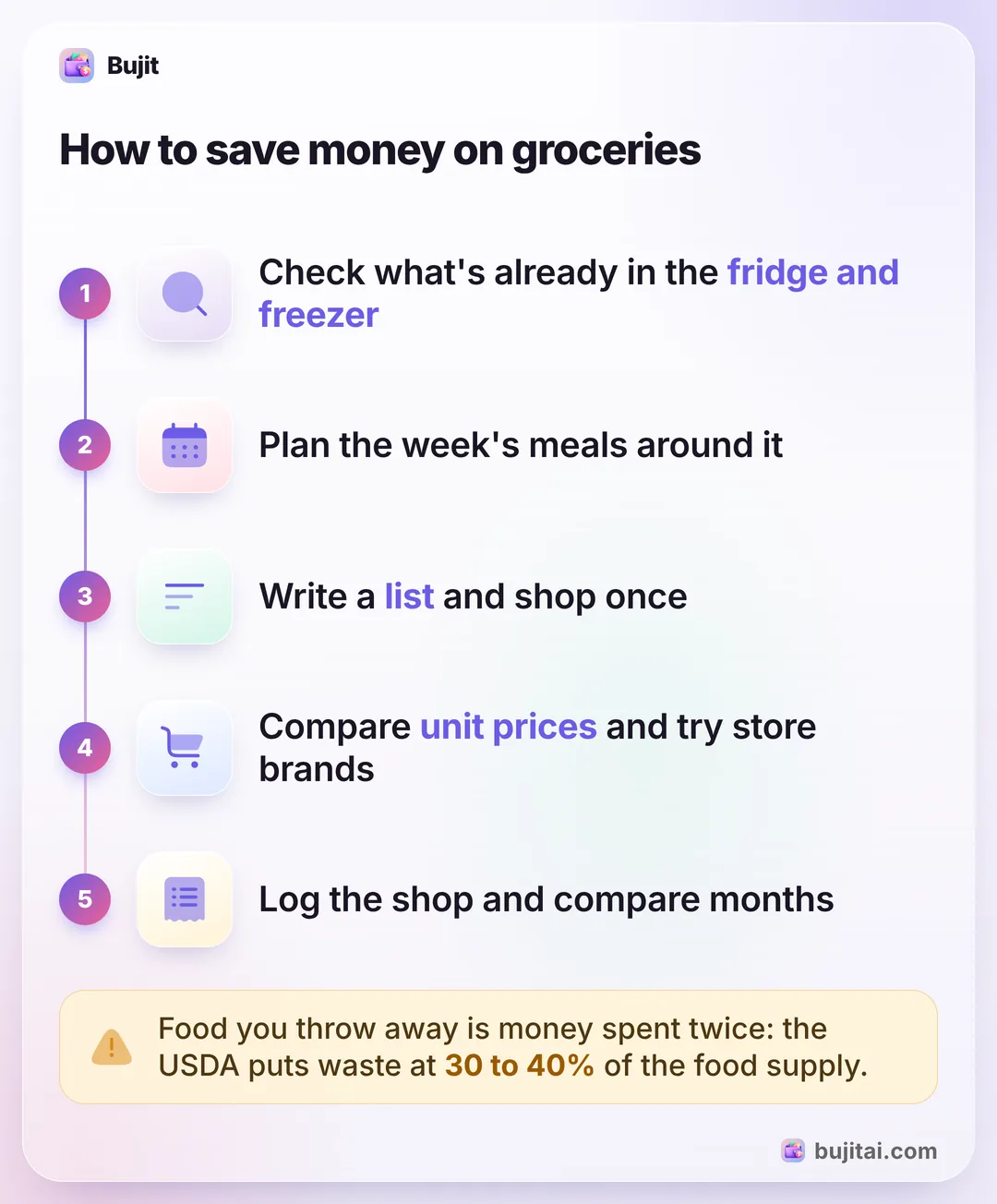
- Check what you have first. Look in the fridge, the freezer and the cupboards before you plan anything. Food that needs using up this week goes into this week's meals.
- Plan the week's meals. Write down the dinners for the week, and lunches if you make them, built around what you already have and what's cheap this year (see below). Plan one night for leftovers.
- Write a list from the plan. Only what the meals need, plus the staples you're actually out of. Group it by aisle, so you walk past less.
- Shop once. One planned trip a week, with a quick top-up for milk or bread if you have to. Every extra trip is another chance to buy things that weren't on the list.
- Compare unit prices. The shelf tag usually shows the price per ounce, pound or count next to the price. Compare by that, across sizes and brands, and check both tags use the same unit: the big pack isn't always the cheaper one.
- Try the store brand. For staples like flour, rice, canned goods, milk and frozen vegetables, the store's own brand usually costs less. Switch one item at a time and keep the ones you like.
- Stick to the list at checkout. End-of-aisle displays and the shelves by the register are where unplanned buys happen. If impulse buys at the store are your weak spot, shopping hungry or without a list makes them worse.
What's cheaper and what's climbing in 2026
Grocery prices don't all move together. The USDA's Economic Research Service tracks 15 kinds of food bought for home. In September 2026, food for home cost 1.8% more than a year earlier, and its October forecast for the whole of 2026 is a 2.3% rise. Inside that, some foods are getting cheaper and some much dearer.
| Forecast for 2026 | What it means for your list | |
|---|---|---|
| Eggs | Down 29.3% | A cheap protein again: build more meals on them |
| Dairy | Down 0.4% | Steady, about last year's price |
| Pork | Up 1.0% | Rising slowly |
| Poultry | Up 1.2% | Rising slowly: an easy swap for beef |
| Fresh fruits | Up 2.9% | Buy what's in season and eat it before it turns |
| Fresh vegetables | Up 5.8% | Plan them into meals, so none go to waste |
| Sugar and sweets | Up 6.5% | Candy and chocolate are leading the rise |
| Beef and veal | Up 8.7% | The biggest rise: swap some for chicken, pork or eggs |
Drinks are climbing too: the ERS forecasts nonalcoholic drinks up 4.4% in 2026, and coffee cost 7.1% more in September 2026 than a year before. These are national averages, so your store can differ, but they show where a swap saves the most this year.
Waste less of what you buy
The cheapest food is the food you don't throw away. The USDA estimates food waste in the U.S. at 30 to 40% of the food supply, and it names buying or cooking more than you need as one of the ways households add to it.
- Put new food at the back. Older food in front gets eaten first.
- Freeze before it turns. Bread, cooked rice, leftovers and fruit that's going soft all freeze.
- Cook to the plan. Make the portions the plan calls for, or plan the extra as tomorrow's lunch.
- Shop for this week, not every week. A deal on something you won't use in time isn't a saving.
What these habits don't show you
The habits work, but on their own they leave you guessing:
- Whether the bill is going down. A month of planning feels cheaper. Only the month's total says whether it was.
- Which store you really spend at. The weekly shop is easy to remember. The top-ups at the corner store and the gas station aren't.
- Where the extra trips go. Three small shops can cost more than the big one, and they're easy to leave out when you add up the month.
- How groceries fit the rest of the month. Money saved at the store only helps if it isn't spent somewhere else.
How to see your grocery savings in Bujit
Bujit, the expense tracker we make, keeps each grocery shop in your month with its category, so you can see what groceries cost this month against last, and which store the money went to.
In Bujit
Get Bujit- Log each shop when you pay. Tap +, then Manual Entry; tap the mic and say it; or tap +, then Scan Receipt. Put the store's name in the expense, so you can find it later; a scanned receipt saved as one expense fills in the shop for you. On iPhone, a Shortcuts automation can log each Apple Pay purchase you tap your iPhone to pay for, with the merchant's name.
- Set a grocery budget. Open Budgets, tap Food, enter your monthly number and tap Save, then drag Notify me at to the share you want to hear about, such as 80%. Food covers eating out too; for groceries on their own, add a Groceries category in Settings, then Categories, give it the budget instead of Food, and pick it when you log a shop.
- See what each store costs you. Open History, choose the month, and type a store's name into the search box. Bujit shows how many expenses match and what they add up to.
- Compare with last month. Choose Last Month and search again. That covers the whole of last month, so to compare partway through a month, choose Custom and pick the same days last month, such as the 1st to the 17th. If the total for the same stores is lower this month, the habits are working.
- Check once a week. Budgets shows what you've spent against the budget and says Approaching limit once you pass 80% of it.
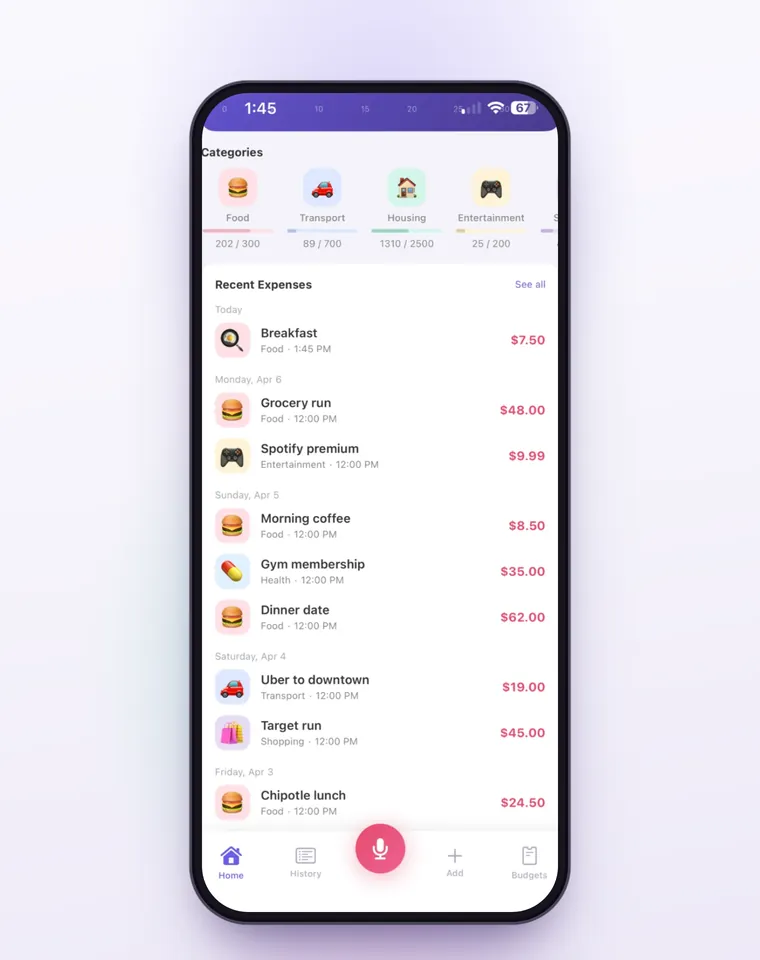
The Notify me at alert is a banner inside Bujit when you log an expense there that crosses the line; Apple Pay purchases logged by the automation count toward the budget without showing it when you pay, and they go into one of Bujit's built-in categories, chosen from the merchant's name on your phone, so a shop at Walmart, Target or Costco lands in Shopping; edit the expense to move it. Voice entry and receipt scanning are part of Bujit Pro, and they send what they need to Google Gemini, only after you agree. Your expenses are stored on your phone, with no bank login and no account.
Which should you use?
- You want the biggest saving for the least effort: plan the week's meals around what you have, and shop once with a list.
- You want to cut the bill without changing what you eat: unit prices and store brands.
- You want to change what you eat a little: swap some beef for eggs, chicken or pork this year.
- You want to know it's working: log each shop in an expense app like Bujit and compare the month with the last one.
If you haven't set a number for groceries yet, setting a grocery budget from the USDA's food plans is the place to start. Logging every shop is one part of tracking all your spending, and the same weekly check works for the rest of the month.
Questions people ask
What is the best way to save money on groceries?
Plan before you shop. Check what's already in your fridge, freezer and cupboards, plan the week's meals around it, write a list from the plan and shop once. Planning cuts the two biggest leaks: extra trips where you buy more than you meant to, and food you buy and then throw away.
Which groceries are getting more expensive in 2026?
The USDA's Economic Research Service forecasts beef and veal up 8.7% in 2026, sugar and sweets up 6.5%, fresh vegetables up 5.8% and nonalcoholic drinks up 4.4%, with coffee 7.1% higher in September 2026 than a year earlier. Pork and poultry are forecast to rise about 1%, dairy to fall 0.4% and eggs to fall 29.3%.
Are store brands worth buying?
Usually, for staples like flour, rice, canned goods, milk and frozen vegetables. Check the unit price on the shelf tag to be sure it's cheaper per ounce or per count, and try one item at a time, so you only switch the ones you like.
Is it cheaper to shop once a week?
For most people, yes. Every trip is another chance to pick up things that weren't on the list, so one planned shop a week, with a short top-up for milk or bread if you need it, tends to cost less than several small ones.
Does buying in bulk save money on groceries?
Only for things you'll use before they go off. Compare the unit price first, because the big pack isn't always cheaper per ounce, and buy perishables in bulk only if you'll freeze or cook them. Bulk food that ends up in the bin costs more than the small pack.
How do I know if I'm actually saving money on groceries?
Log every grocery shop and compare the month's total with the month before. In Bujit, type a store's name into History's search box for the month: it shows how many expenses match and what they add up to, so you can see which store your money goes to and whether the total is falling.
Sources
- Food Price Outlook: Summary Findings (USDA Economic Research Service) (checked Nov 17, 2026)
- Food Waste FAQs (USDA) (checked Nov 17, 2026)