Guides
Money guides
Straight answers about tracking what you spend: the free tools your phone already has, where they stop, and when an app helps.
Budgeting methods
Budgeting methods
How to do the 52-week savings challenge
The 52 week savings challenge: save $1 in week one, $2 in week two, up to $52, for $1,378 in a year. The chart, easier versions and where to keep the money.
Budgeting methods
How to pay yourself first, and make the rest of the month fit
Pay yourself first means moving money to savings as soon as you're paid, before bills and spending. How to set it up, a $4,000 example, and how to make the rest last.
Budgeting methods
How to create a budget, worked through $3,000 a month
How to create a budget in five steps: add up your income, list fixed and variable expenses, compare, give what's left to goals and track it. With a $3,000 example.
Budgeting methods
How to make a zero-based budget, worked through $4,000 a month
A zero based budget gives every dollar of take-home pay a job until income minus spending and saving is zero. The four steps, a $4,000 example and how to keep to it.
Budgeting methods
How to do a no-spend challenge, and what still counts
A no spend challenge means buying only essentials for a week or a month. How to set the rules and exceptions, what still counts, and where the money you save goes.
Budgeting methods
Envelope budgeting, in cash or on your phone
Envelope budgeting gives each spending category a fixed amount for the month, and you stop spending there when it's gone. See it on $1,000, in cash or on your phone.
Budgeting methods
The 50/30/20 rule, worked through a real paycheck
The 50/30/20 rule splits take-home pay into 50% needs, 30% wants and 20% savings and debt. See it on $4,200 a month of take-home pay, and what to do when needs run high.
Budgeting methods
How to stick to a budget past the first month
How to stick to a budget: base limits on real spending, log each purchase when you pay, check every week, plan for irregular bills and adjust instead of quitting.
Budgeting methods
Budget categories: a simple list to start with
Most budgets need about six budget categories: housing, food, transport, health, shopping and entertainment, plus savings. Here's what goes in each, with 2025 figures.
Budgeting methods
Budgeting for beginners
Budgeting for beginners, step by step: start from last month's real spending, pick about six categories, set limits and check them every week.
Templates and spreadsheets
Templates and spreadsheets
How to set up a budget template in Excel
A budget template in Excel two ways: open one of Microsoft's free templates from File, then New, or build your own with a drop-down list and SUMIF.
Templates and spreadsheets
How to set up a budget template in Google Sheets
A budget template in Google Sheets two ways: open Google's free one from the Template Gallery, or build your own with a dropdown and SUMIF. Then keep it filled in.
Tracking spending on your phone
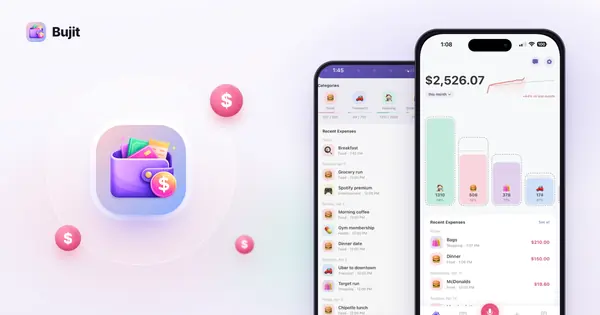
Tracking spending on your phone
How to track cash spending
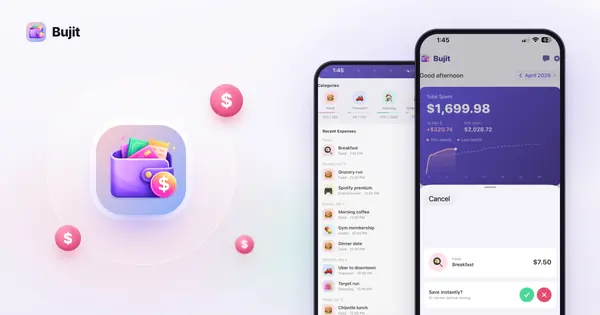
To track cash spending, write down each cash purchase when you pay and keep it with your card spending, so the month has one total. Here's how, step by step.
Tracking spending on your phone
How to track expenses, and keep doing it
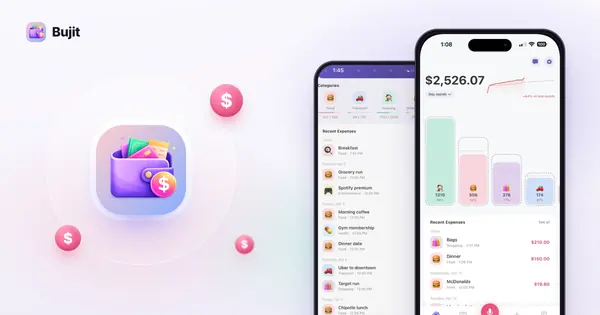
To track expenses, log every purchase when you pay, give it a category and add it up each week. Here are 4 ways to do it, and how to pick one.
Tracking spending on your phone
How to see your Apple Pay transaction history
Open Wallet and tap a card to see its latest Apple Pay transactions. Here's how on iPhone, Watch, Mac and iPad, and how to keep a record of every purchase.
Receipts
Receipts
Which receipt scanner app to use
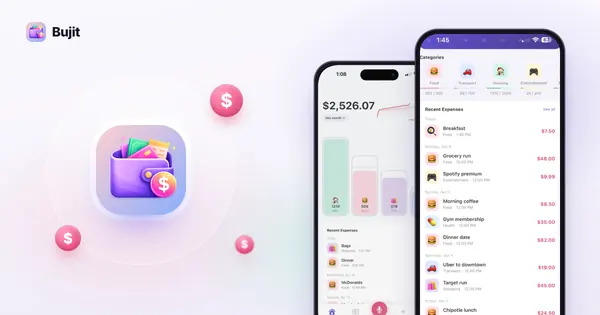
A receipt scanner app reads the shop, date and total from a photo. Which to pick depends on the job: work expense reports, tax records, reward points or your budget.
Receipts
How to scan receipts on iPhone
To scan receipts on iPhone, open a note, tap the Attachments button, then Scan Documents. Here's each free way, step by step, and how to log the total too.
Subscriptions and bills
Subscriptions and bills
How to see subscriptions on iPhone
To see subscriptions on iPhone, open Settings, tap your name, then Subscriptions. What the list shows, how to check Apple's charges and where the missing ones are.
Subscriptions and bills
How to cancel subscriptions on iPhone
To cancel subscriptions on iPhone, open Settings, tap your name, then Subscriptions. Here's each step, what to do if one isn't listed, and how to track the rest.
Budget apps compared
Budget apps compared
What an AI budget app does, and how to pick one
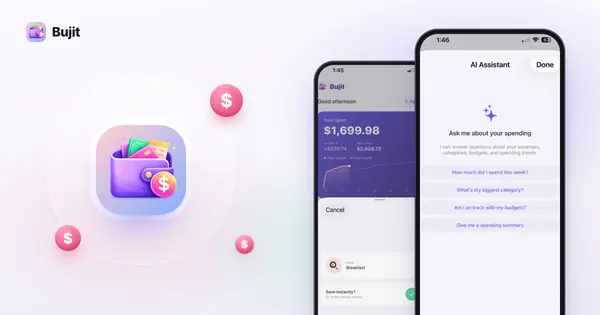
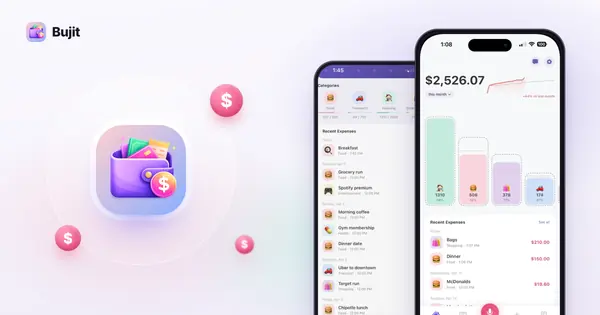
An AI budget app sorts your spending, answers questions about it in plain words and can log purchases from your voice. What it does, what it sends, and four to compare.
Budget apps compared
How a budget app without bank account access works
A budget app without bank account access never asks for your bank login: you add each purchase yourself, cash included. Here's how it works and what you trade.
Everyday money
Everyday money
How to save money on groceries
To save money on groceries, plan meals around what you have, shop once with a list, compare unit prices and waste less. The habits, with 2026 USDA price trends.
Everyday money
How to stop impulse buying without giving up every treat
How to stop impulse buying: learn your triggers, wait 24 hours, shop with a list, remove saved cards, mute shopping apps and give unplanned buys a fixed allowance.
Everyday money
How to budget for groceries
To budget for groceries, start from last month's spending and the USDA's food plans for your household. Here's how to pick a number, with 2026 figures.
Track it in seconds
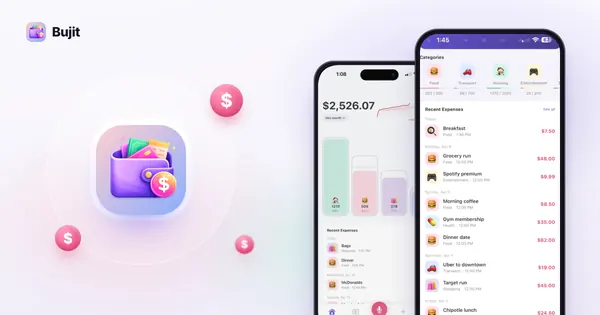
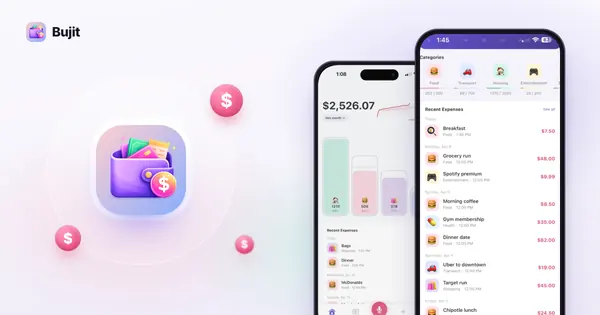
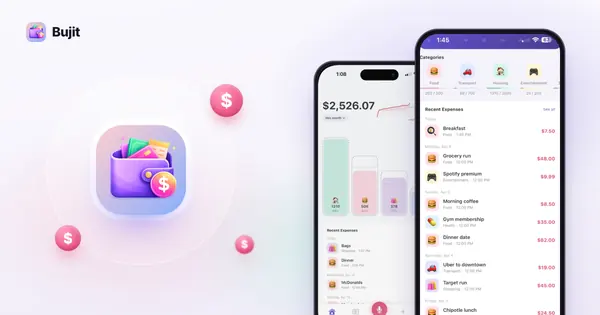
No bank login and no account. Your expenses are stored on your phone, and we never sell your data.