Quick answer
To track cash spending, write down every cash purchase when you pay, with the amount and what it was, and keep those notes in the same place as your card spending. Then add it all up each week. Either log each purchase or log the ATM withdrawal as one expense, never both.
- Log
- Each cash purchase, when you pay
- Keep it
- With your card spending
- Check
- Count your wallet once a week
- Easy to miss
- Counting the ATM withdrawal twice
On this page
Why cash is the spending that slips through
A card payment shows up on a statement you can look up later. Cash doesn't: once the bill leaves your wallet, the only record is the receipt, if there was one, and your memory. And cash is still everywhere. In the Federal Reserve's 2026 Diary of Consumer Payment Choice, about 1 in 7 payments in the U.S. were made in cash, four out of five people had used cash in the last 30 days, and 76% carried some, $69 on average.
Those are often the small, everyday buys, like a coffee, a bus fare or a market stall, and small ones are the first to be forgotten.
How to track cash spending by hand
You don't need an app for this. You need one place to write it, and the habit of writing it before you put your wallet away.
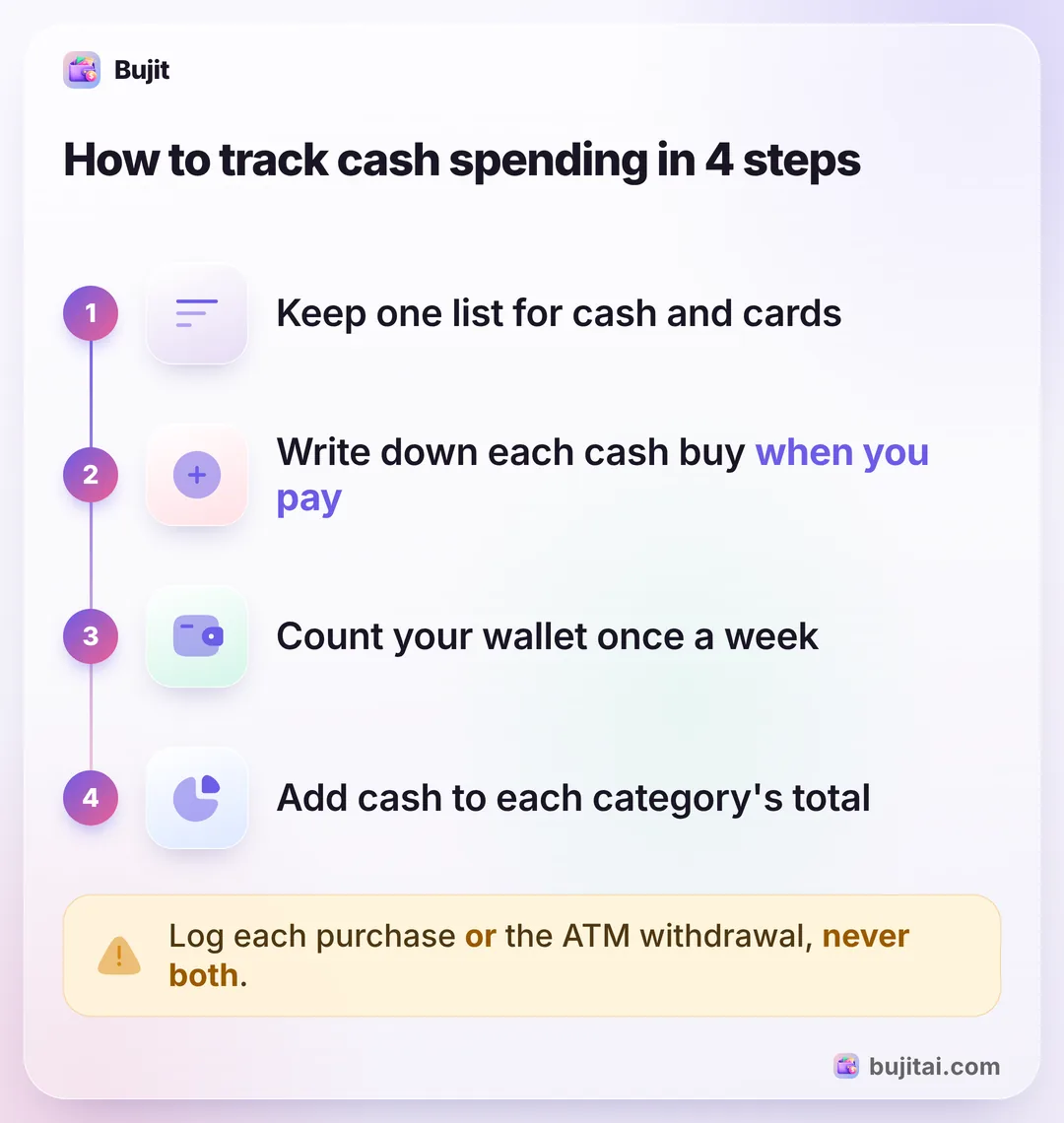
- Pick one place for it. A small notebook, a note on your phone or the spreadsheet you already use for your cards. Keep it all in one place, so cash ends up in the same total as everything else.
- Write it down when you pay: the date, the amount, what it was and a category, such as groceries, eating out or transport.
- Keep the receipts you get in one envelope, as a backup for the day you forget to write one down.
- Count your wallet once a week. The cash you started the week with, plus anything you took out, minus what's left, is what you spent. If your notes add up to less, log the difference as one entry, so the week's total is right.
- Add cash to your card spending, category by category, so the month has one total.
If you'd rather track every expense this way, cards included, the whole expense-tracking habit has its own guide.
The ATM withdrawal or each purchase, never both
There are two honest ways to count cash, and mixing them counts the same money twice.
- Log the withdrawal as one expense. Take out $100, log $100 as "cash". It's one entry, and the cash is in the month's total. But it doesn't tell you where the cash went.
- Log each purchase. Leave the withdrawal out, and log the $12 at the market and the $4 coffee as you spend them. It takes a few seconds more each time, and it shows you the categories.
Your bank app will show the withdrawal either way. If you log each purchase, remember that the withdrawal isn't spending yet, just money moving into your wallet. If you budget with cash on purpose, cash stuffing and the envelope method build on the same idea.
What a cash notebook doesn't do
A notebook works as long as you carry it and keep it up. It won't add anything up, it can't see your card spending, and a purchase you forget is lost unless your weekly wallet count catches it.
| Notebook | Spreadsheet | Bank app | Bujit | |
|---|---|---|---|---|
| Records each cash purchase | Only ATM withdrawals | |||
| Adds it up for you | ||||
| Card payments added for you | Apple Pay taps, via Shortcuts | |||
| Search your cash spending later | ||||
| Needs a bank login | No | No | Yes | No |
How to track cash spending in Bujit
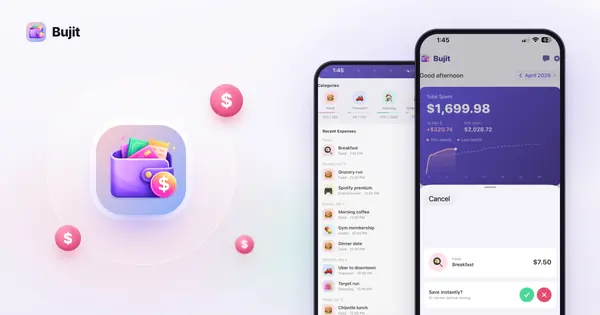
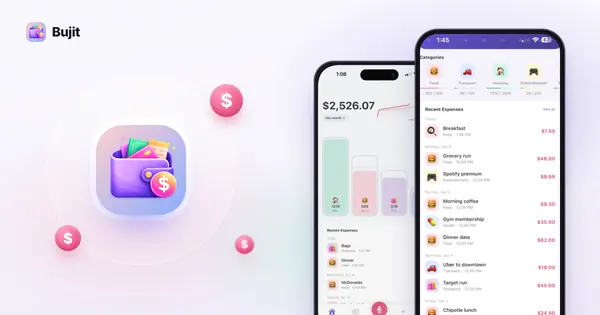
Bujit, the app we make, has no bank login and no account, so cash goes in like any other purchase: you add it, and it lands in the month with its category. The same works for cards if you'd rather not link a bank at all: budgeting with no bank login just means adding each purchase yourself.
In Bujit
Get Bujit- Add it when you pay. Tap + at the top right, then Manual Entry. Enter the amount, and in What was this for? type what it was with the word "cash", such as "cash, farmers market". Pick a category and tap Save.
- Forgot one? Before you save, change the Date to the day you paid, so it lands in the right week.
- Or say it. Tap the microphone and say it the way you'd tell a friend: "farmers market, twelve dollars". Bujit fills in the amount, a note and the category. To find it later with your cash, save it, then touch and hold the expense, tap Edit, add "cash" to the Note and tap Save.
- See your cash spending. Open History and type "cash" in the search bar. Bujit lists this month's expenses that mention "cash", with how many there are and their total. Tap This Month to switch to This Week, Last Month or Custom.
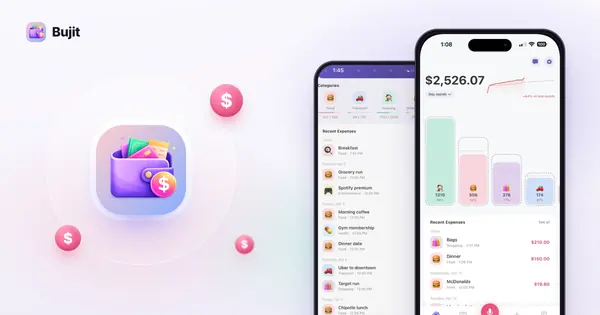
- See it with everything else. Home shows the month's total and your spending by category, cash and card together.
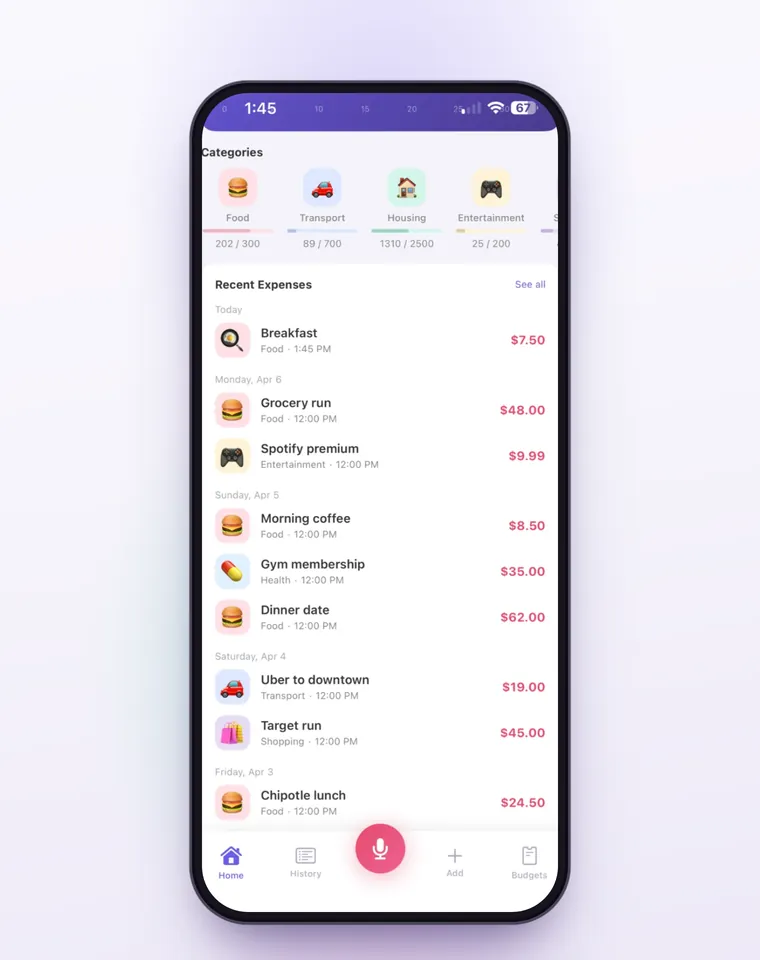
On iPhone, a Shortcuts automation can log each Apple Pay purchase you tap your iPhone to pay for, so your Apple Pay taps are logged for you while you add the cash. Voice entry is part of Bujit Pro. It sends what it needs to Google Gemini, and only after you agree. Your expenses are stored on your phone.
Which should you use?
- You pay cash now and then: a note on your phone, added to your card spending each week.
- You run your budget on cash: a notebook kept with your cash, and the wallet count every week.
- You use cash and cards, and want one total without the maths: an expense app like Bujit, logged when you pay.
Once cash is in the count, you can see where it goes, and that's where your first real budget starts.
Questions people ask
What is the best way to track cash spending?
Write down each cash purchase when you pay, in the same place you track your cards, so cash ends up in the same monthly total. A note on your phone or an expense app is easiest, because your phone is with you when you pay.
Should I track the ATM withdrawal or each cash purchase?
One or the other, never both, or the same money is counted twice. The withdrawal is one quick entry, but it doesn't say where the cash went. Logging each purchase takes longer and shows you the categories.
How do I find cash spending I forgot to write down?
Count your wallet. The cash you started the week with, plus what you took out, minus what's left, is what you spent. If your notes add up to less, the difference is what you missed: log it as one entry so the week's total is right.
How many people still pay with cash?
In the Federal Reserve's 2026 Diary of Consumer Payment Choice, which asked U.S. consumers about their payments in October 2025, about 1 in 7 payments were made in cash, and four out of five people had used cash in the last 30 days.
Can Bujit track cash spending?
Yes. Bujit has no bank connection, so you add cash the same way as any purchase. Type "cash" in the note, and searching History for "cash" shows that period's cash expenses with their total. Voice entry is part of Bujit Pro and sends what it needs to Google Gemini, and only after you agree.